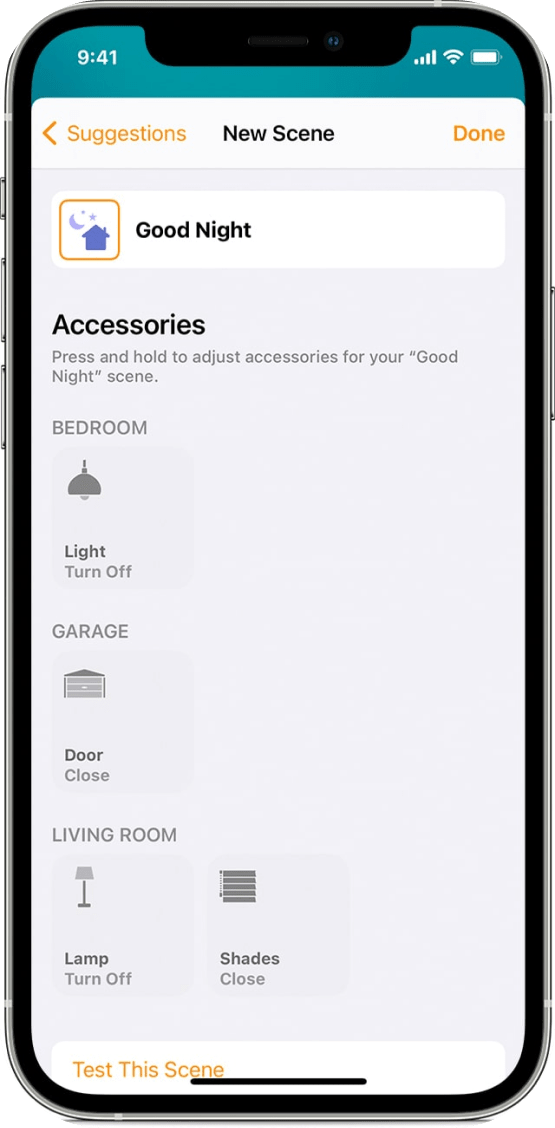
Overall, a smart home mobile application that
integrates with KNX can provide users with a range of screens and features that allow them to control
and manage their home automation system in a more efficient and convenient way. It can be customized
based on the specific needs of the user and can make their smart home experience much more enjoyable.


KNX smart homes are great, but you might find yourself stuck in a wired world as
it is really hard to integrate other products. And while KNX is definitely a reliable and long-lasting
technology there is a whole new world of exciting wireless devices for music, security, cleaning, and
more. You have one smart home - and you should only have one mobile app for controlling it. It is not
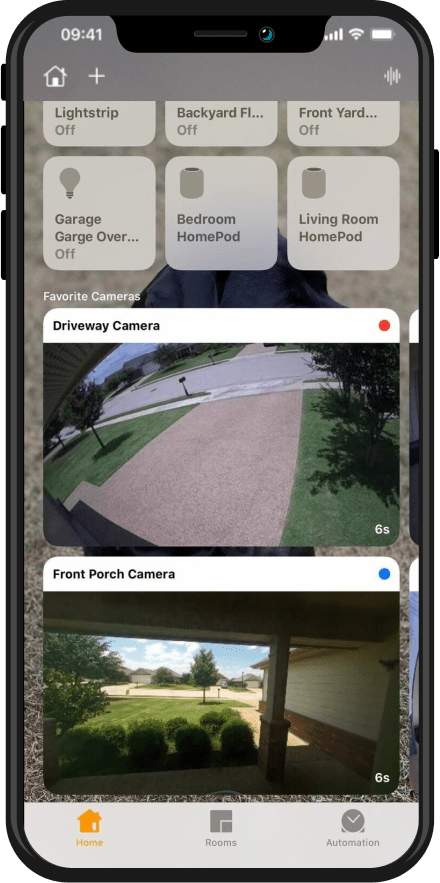
surprising to end up using 5 mobile apps for managing different smart devices. With Apple Home app, you
can centralize them all in a single, sleek mobile app that is really friendly to use. It can also be
used to access your home remotely from anywhere, anytime.